

A master can sound huge in the studio and still fall apart the moment Apple encodes it. That is the real issue behind how to master for Apple Digital Masters. This is not about chasing louder files or slapping a final limiter across the mix bus. It is about giving the encoder a clean, stable source so your release holds up after conversion and still feels finished, musical, and competitive.
Artists and producers usually run into trouble in the same places. Peaks are too close to full scale, limiting is too aggressive, low end is exciting in the room but unstable in playback, or the mix already has clipping baked in. By the time the file reaches distribution, there is no room left to fix it. If you want a result that translates on Apple Music and still sounds like a record, the process starts earlier than most people think.
What Apple Digital Masters actually changes
Apple Digital Masters is built around delivering high-resolution source files that can be encoded more accurately for Apple Music. The goal is not simply to submit a bigger file. The goal is to submit a better one. A cleaner, well-controlled high-resolution master gives the encoder less damage to work around, which means fewer artifacts, fewer harsh transients, and better preservation of depth and punch.
That is why the question is not just how loud your master should be. It is how stable it stays once it is converted to a lossy format for streaming. A master that sounds impressive as a WAV can still get brittle, smeared, or edgy after encoding if the top end is overworked or the true peaks are pushing too hard.
This is where experienced mastering matters. Apple delivery is technical, but it is still musical work. You are balancing impact against translation. Sometimes that means backing off the limiter slightly to preserve depth. Sometimes it means tightening low end so the codec does not exaggerate it. There is no single preset for that.
How to master for Apple Digital Masters starts with the mix
If the mix is fighting you, the master will show it. Apple-compliant delivery does not rescue masking, harsh vocal compression, clipped drums, or sub-heavy low end. In fact, encoding tends to expose those weaknesses more clearly.
A good starting point is a mix with healthy headroom, no bus clipping, and no limiter on the stereo output unless there is a very specific reason. Leave enough room for mastering moves. Most of the time, that means a mix that peaks well below full scale and feels balanced without being artificially loud.
High-resolution export also matters. If your session was created at a higher sample rate, keep that resolution through export. Do not upsample a low-resolution file and expect a better result. Apple Digital Masters favors source integrity, not inflated specs.
Before mastering even begins, listen for the problem areas that codecs tend to punish. Spitty vocals, brittle hi-hats, splashy cymbals, and overly dense upper mids can become more obvious after encoding. The same goes for uncontrolled low end. If the kick and bass relationship is unclear in the mix, the encoded file may feel smaller rather than bigger.
Headroom, true peak, and why loudness is not the whole job
One of the biggest misunderstandings around Apple delivery is that loudness alone defines a professional master. It does not. A loud file with poor peak control can create overs during encoding, and those overs can turn into audible distortion.
True peak management is a major part of how to master for Apple Digital Masters. Sample peaks and true peaks are not the same thing. A file can look safe on a basic meter and still create intersample peaks once converted. That is why proper metering and careful limiter settings matter.
The trade-off is straightforward. Push too hard and the master may feel flatter, harsher, and less stable after encoding. Leave too much on the table and the release may feel underpowered next to other tracks. The right target depends on the genre, the arrangement, and how the mix is reacting to compression and limiting. Dense modern pop, aggressive rock, and spacious acoustic music do not want the same finishing approach.
The best masters for Apple are usually the ones that feel controlled rather than forced. Punch survives. Transients stay musical. The vocal does not get spiky when the chorus opens up. The low end remains solid without blurring the center.
Use analog tone carefully, not nostalgically
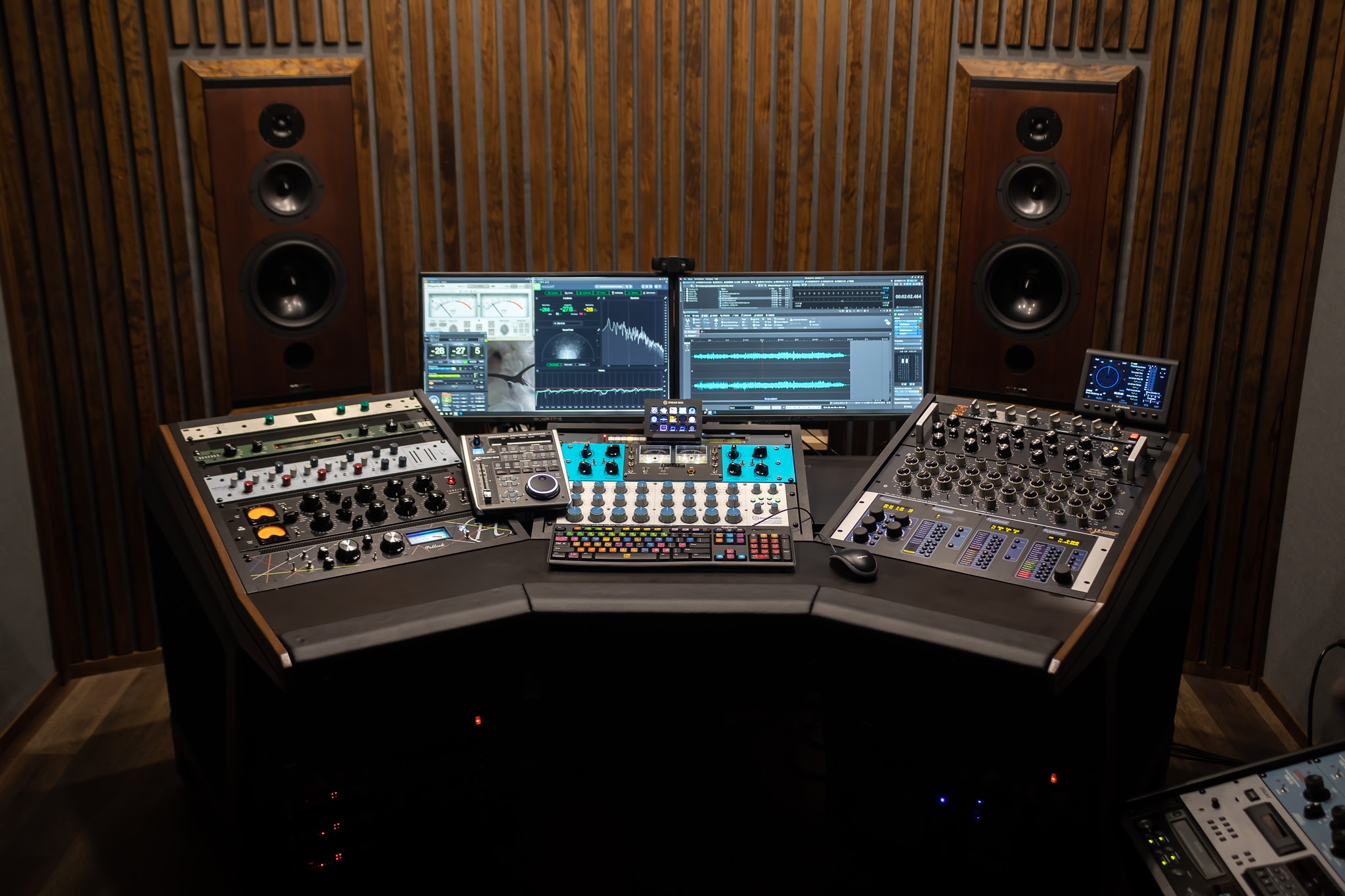
Analog gear can be a major advantage when preparing a master for Apple delivery, but only when it is used with intention. Compression, EQ, and harmonic shaping from a high-end analog chain can add density, depth, and musical glue that helps a track feel complete before it reaches the encoder.
But analog color is not automatically helpful. Too much thickness in the low mids can cloud translation. Too much top-end excitement can become brittle once encoded. The point is not to make the master warmer because analog sounds impressive on paper. The point is to use the chain to solve problems and enhance musical balance.
This is one reason many clients want direct communication with the engineer. If your mix already has a lot of saturation or bus processing, the mastering approach should adapt. A clean electronic track and a gritty indie rock mix will respond very differently to the same analog moves.
The delivery file matters as much as the sound
A proper Apple Digital Masters workflow does not stop at processing. Delivery format matters. The final approved file should be exported at high resolution, with the correct sample rate and bit depth based on the source and release requirements. Metadata, file naming, and version control also need to be clean, especially when there are multiple distribution targets.
This is where a defined mastering process saves time and prevents release-week mistakes. First evaluate the mix. Then master with Apple encoding in mind. Then proof the result, revise if needed, and only after approval create the final deliverables. That workflow catches issues before they become expensive or embarrassing.
At LB-Mastering Studios, that quality-control mindset is built into the process, from free mix evaluation to preview approval and revisions. For artists and producers who need confidence before release, that step matters just as much as the final limiter setting.
What to avoid when preparing your files
Most preventable Apple delivery problems begin long before mastering. If you want the cleanest path forward, avoid clipping on individual tracks, clipping on the mix bus, and stereo enhancement that destabilizes the center image. Be careful with aggressive high-frequency boosts on vocals and cymbals. And if you are printing your own mix, leave off any loudness processing that is only there to impress during playback.
Another common mistake is sending a file that has already been converted multiple times. Work from the best available source. A bounced MP3 or a file that has been sample-rate converted repeatedly is already compromised. Mastering can improve balance and impact, but it cannot restore missing information.
It also helps to avoid guessing. If you are not sure whether your mix is ready, get it evaluated before mastering. A short review can reveal whether the issue is really mastering or whether the mix needs a small fix first. That can save an entire round of revisions.
A practical standard for better results
If you want a useful rule of thumb, send a clean stereo mix with no clipping, no limiter on the master bus, healthy headroom, and the original session resolution. Make sure fades are intentional, edits are clean, and there are no clicks at the top or tail. Then let mastering handle the final tone, level, and peak control with Apple conversion in mind.
That approach is not flashy, but it works. It gives the mastering stage room to shape the record instead of repair damage. It also makes revisions easier because the core file is stable and honest.
The artists who get the best Apple Digital Masters are usually not the ones chasing the loudest bounce. They are the ones who respect translation, trust the process, and leave enough room for real mastering decisions. If you want your release to sound finished everywhere, start by giving the master somewhere to go.