

A master can sound open, punchy, and expensive in the studio, then lose a little depth the moment it gets exported to 16-bit. That last step is where a lot of confusion starts. Dither gets treated like magic by some engineers and ignored completely by others. Neither approach helps your release.
If you are delivering music for streaming, CD, or multiple formats, you need to understand what bit depth is actually doing and when dithering should - and should not - be applied. This is not just technical trivia. It affects low-level detail, fade-outs, ambience, and whether your final file holds together when it leaves the mastering chain.
What bit depth means in mastering
Bit depth determines how precisely digital audio can represent level. The higher the bit depth, the more available amplitude steps the system has to describe the signal. In practical mastering terms, higher bit depth gives you more usable dynamic resolution and pushes quantization distortion lower.
That is why mixes usually arrive as 24-bit or 32-bit float files. They give the mastering engineer more room to work cleanly, especially when making EQ, compression, limiting, and level changes. A 24-bit file already has more resolution than you need for most real-world listening environments, but it is still the right place to stay while processing.
The confusion usually starts at delivery. Some targets still require 16-bit files, especially Red Book CD and DDP-related deliverables. Streaming platforms may accept 24-bit masters, and in many cases that is preferred. So the question is not whether 24-bit is better while you are mastering. It is. The real question is what happens when you must reduce bit depth at the end.
Dithering and bit depth for mastering
When you lower bit depth, you are reducing the number of available level steps. That process creates quantization error. Without dither, that error can turn into low-level distortion and unpleasant artifacts, especially in quiet passages, reverb tails, acoustic material, and fade-outs.
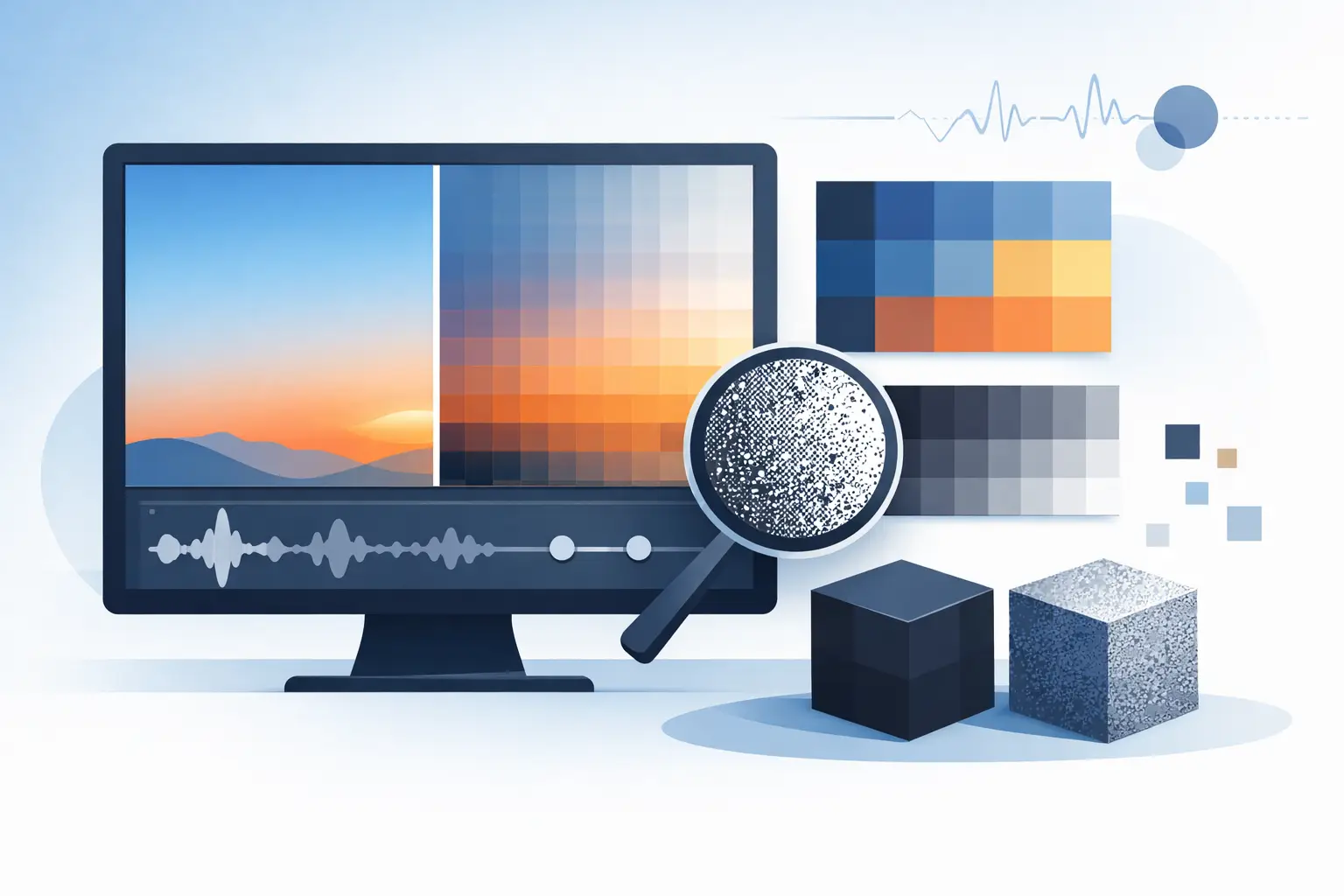
Dither is a very low level noise intentionally added when reducing bit depth. It decorrelates the quantization error from the music, turning distortion into a benign noise floor. That sounds worse on paper than it is in practice. In reality, properly applied dither usually sounds smoother, more natural, and less grainy than truncating a file without it.
This is the key point: dither is not there to make a master brighter, louder, warmer, or wider. It is there to protect low-level detail when you export to a lower bit depth.
When you should use dither
You only need dither when reducing bit depth. If you are staying at the same bit depth, there is nothing to fix. If you are delivering a 24-bit master from a 24-bit or 32-bit float session, dither may not be necessary depending on the exact workflow and export path.
If you are creating a 16-bit master from a higher-resolution source, you should apply dither once, at the final stage, after all processing is complete. That means after EQ, compression, limiting, sequencing, fades, level matching, and sample-rate conversion if sample-rate conversion is needed.
That last part matters. If you dither and then keep processing, you can defeat the purpose and force another reduction later. Dither belongs at the end of the line.
When you should not use dither
A lot of avoidable problems come from using dither too often. If your mix engineer dithers the mix, then the mastering engineer dithers again, then another export gets dithered for a separate version, noise can build unnecessarily.
Used once, correctly, dither is a smart finishing step. Used repeatedly, it becomes damage control for a workflow problem.
You also do not need to dither every file just because a plugin offers the option. Some plugins include dither on output, and if that is left on inside the chain, it can create confusion fast. This is one reason professional mastering workflows are tightly controlled. The engineer needs to know exactly where bit-depth reduction is happening and keep it to a single final stage.
Why 24-bit masters are often the right deliverable
For many current digital releases, 24-bit delivery is a strong choice. It preserves low-level detail, gives distribution platforms more information to work with, and avoids an unnecessary reduction if the destination accepts it.
That does not mean 16-bit is bad. A properly mastered, properly dithered 16-bit file can sound excellent. CD has proved that for decades. But if a platform accepts 24-bit and there is no technical reason to force 16-bit early, staying at 24-bit is usually the safer move.
This is where mastering becomes a quality-control job as much as a sound job. Different formats have different requirements. A release may need one set of files for streaming, another for CD/DDP, and another for hi-res archives. Each version should be created intentionally, not with one export used everywhere whether it fits or not.
Noise shaping - useful, but not always neutral
Some dither options include noise shaping. Noise shaping moves more of the dither noise into frequency areas that are considered less audible, which can improve perceived clarity. In the right context, it works well.
But this is not a setting to use blindly. Aggressive noise shaping can behave differently depending on the material. A sparse acoustic track, a heavily limited rock master, and an ambient instrumental may not respond the same way. That is why there is no single best dither type for every song.
An experienced mastering engineer listens for what happens in the quietest and most exposed moments. Fade-outs tell the truth quickly. So do intros with room tone, long reverbs, and delicate vocal endings. If those areas stay smooth and natural, the dither choice is probably doing its job.
Common mistakes artists and producers make
One common mistake is sending a limited 16-bit mix to mastering because it is assumed to be release-ready. That removes flexibility before the mastering process even starts. A better approach is to send a clean, high-resolution mix with adequate headroom and no final limiter on the stereo bus unless it is a deliberate sound choice that the mastering engineer needs to hear.
Another mistake is assuming that louder always hides bit-depth problems. It can do the opposite. Heavy limiting can expose harshness in bad conversions, especially on bright material. Dither does not repair over-compression, but it does help preserve the integrity of the file when reducing word length.
There is also the habit of creating one master and forcing it across every format. That is convenient, but not always correct. The better method is format-aware delivery. If you need a 24-bit streaming master and a 16-bit CD master, each should be prepared properly from the final approved source.
Dithering and bit depth for mastering in real sessions
In a professional mastering session, bit depth decisions are usually straightforward because the workflow is planned from the start. The mix comes in at high resolution. Processing stays high resolution. Final versions are created based on the actual delivery target.
That means a song might leave the session in more than one form: a 24-bit WAV for digital distribution, a 16-bit version for CD/DDP, and high-resolution files for archive or specialty delivery. The sonic goal stays the same, but the technical finish changes slightly depending on where the music is going.
This is also why communication with the mastering engineer matters. If you already know your release needs multiple formats, say that upfront. It helps prevent avoidable conversions, duplicate processing, and wrong-file delivery at the end.
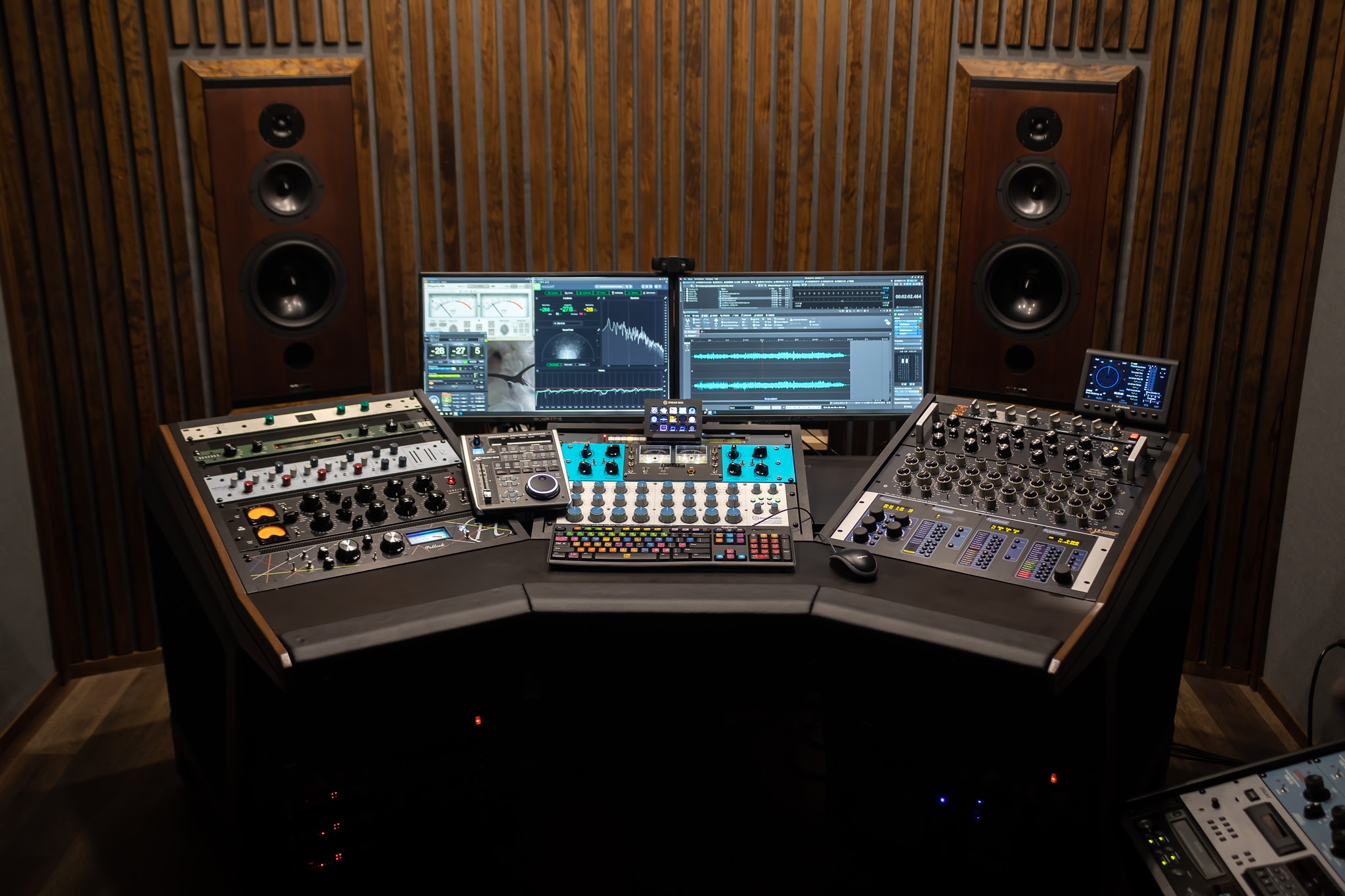
At LB-Mastering Studios, this is part of the larger mastering process - not an afterthought. The final sound and the final file format both have to be right.
The practical takeaway
If you remember one thing, make it this: dither is not something you sprinkle on audio because it sounds professional. It is a specific solution for a specific moment - reducing bit depth at the final export.
Stay at high resolution while mastering. Only reduce bit depth when the destination actually requires it. Apply dither once, at the very end. And if you are not sure what your release needs, ask before exporting a dozen versions that all handle the math differently.
The best masters do not just sound good on the first playback. They hold together through every handoff, every format, and every last second of the fade.