

If a replication plant asks for a DDP and you were planning to send a stack of WAV files, you are one step away from a preventable manufacturing problem.
A ddp file for cd replication is not just another export option. It is the delivery format that keeps your album sequence, track IDs, spacing, fades, CD-Text, ISRC codes, and PQ data together as one verified master. If you are pressing CDs for sale, promo, tour merch, or label release, this matters more than most artists realize.
The short version is simple. A DDP is the professional replacement for the old practice of sending a physical PMCD or loose audio files. It reduces errors, gives the plant a cleaner source, and lets your mastering engineer deliver a production-ready master with the technical details already in place.
What a ddp file for cd replication actually contains
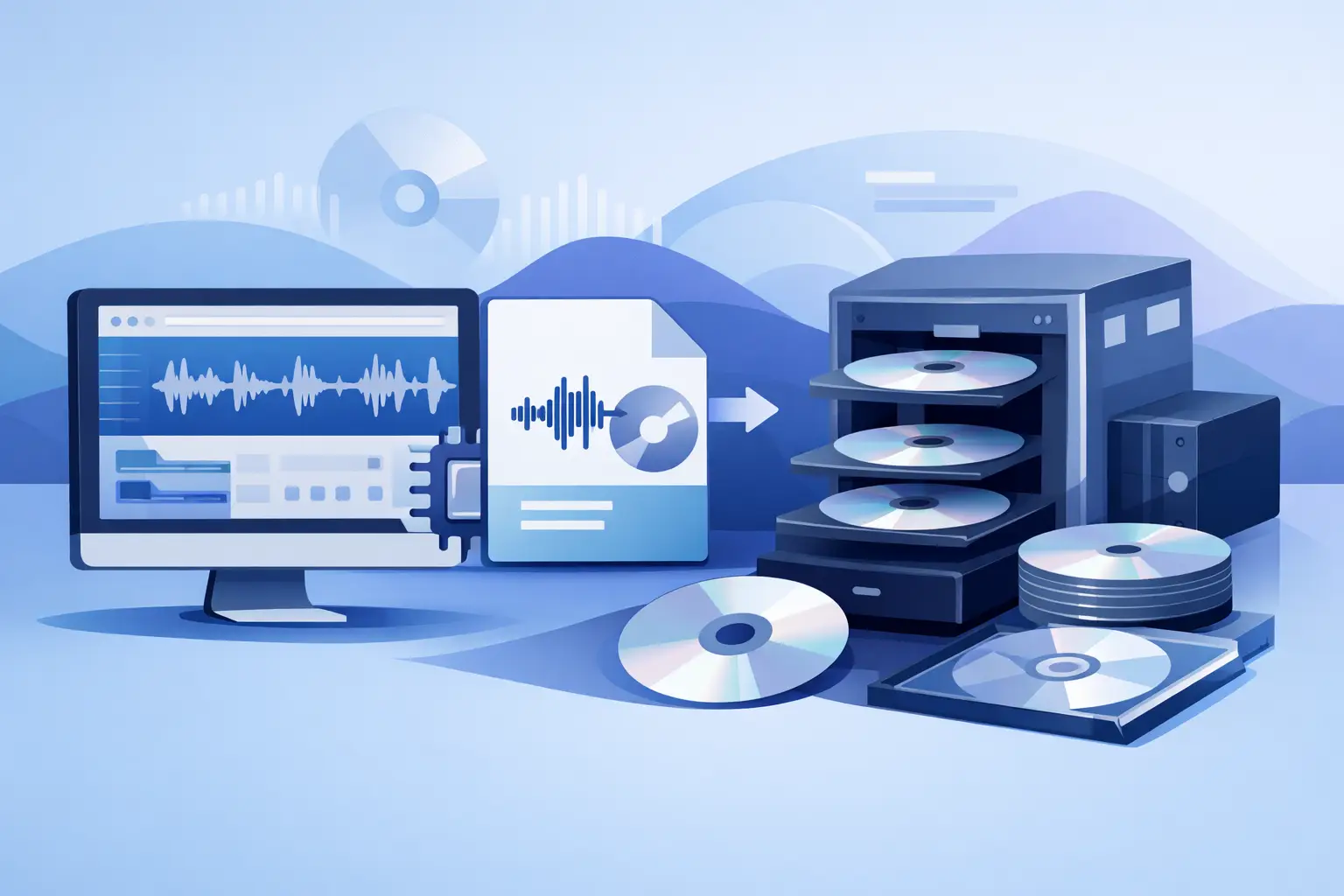
DDP stands for Disc Description Protocol. Think of it as a complete image of your CD master rather than a folder of separate songs.
When properly created, a DDP includes the audio, track order, exact spacing between songs, track start points, PQ codes, and supporting metadata. Depending on the project, it may also include ISRC codes and CD-Text. That is the difference between sending music files and sending a real manufacturing master.
This is where many projects go sideways. Artists often assume that if they deliver 10 final WAVs labeled in order, the plant will know how the disc should be built. Sometimes that works. Sometimes it does not. Gaps get entered incorrectly, a hidden transition gets broken, or track markers end up in the wrong place. A DDP removes that guesswork.
Why replication plants prefer DDP over WAV files
A replication plant wants a source that is organized, reliable, and easy to verify. DDP checks those boxes better than audio files alone.
With WAV files, someone still has to interpret how the disc should be assembled. That opens the door to small but costly mistakes. Two seconds of silence might be inserted where there should have been none. A live album may lose its continuous flow. A hidden pregap or exact transition timing can be missed entirely.
With a DDP, the disc structure is already defined. The plant is not reconstructing your album. They are replicating the approved master you delivered.
There is also a quality control advantage. A proper DDP can be checked before manufacturing, and many mastering engineers will provide a DDP player for review. That lets you listen to the exact album layout before it goes to press. For a release with paid manufacturing, printed packaging, and a deadline, that extra layer of confidence is worth having.
DDP vs Red Book CD master
You will often hear DDP mentioned alongside Red Book CD specs. They are related, but they are not the same thing.
Red Book is the standard that defines how an audio CD is formatted. A DDP is one way to deliver a master that follows that standard. In practice, when a mastering engineer says your project will be delivered as a Red Book-compliant DDP, that means the album has been prepared for CD replication according to the proper technical rules.
That includes details like track indexing, allowed timing structure, and error-free formatting. It also means your master is being built for manufacturing, not just for playback on a computer.
What can go wrong without a proper DDP master
The biggest risk is not dramatic failure. It is small, annoying, expensive error.
A song starts too late because the marker was set wrong. Track 1 has an extra gap. The transitions on a continuous mix album click or pause. ISRC codes are missing. CD-Text was expected but never embedded. The plant receives one set of files while the artwork and metadata reflect another sequence.
None of these issues are glamorous, but they are exactly the kind of problems that make a project look unprofessional once discs are in hand.
This is why mastering for CD replication is more than making the tracks sound loud and polished. It is also about authoring the release correctly. Good mastering engineers treat DDP creation as part of quality assurance, not as an afterthought.
When you need a ddp file for cd replication
If you are manufacturing pressed CDs through a replication plant, you should expect to need a DDP unless the plant specifically asks for another format.
If you are only burning a few discs yourself for rough promo use, a DDP may be unnecessary. But once the release is going to formal replication, especially in quantity, sending a proper DDP is the safer and more professional route.
This is especially true for albums with segues, live recordings, classical projects, DJ-style continuous playback, hidden tracks, or any release where spacing and indexing are part of the artistic intent. The more your album depends on exact structure, the less you want anyone rebuilding it from separate files.
What your mastering engineer needs from you
If you want a clean DDP master, start with organized source material and clear release info.
Your final mixes should be labeled in exact sequence and delivered at their native resolution. Do not sample-rate convert just to make them match if they were mixed that way for a reason. Do not put a limiter on the mix bus unless that sound is essential to the production and approved in advance. Leave headroom, avoid clipping, and make sure all song versions are final before mastering begins.
You should also provide the details that belong to the disc master itself. That may include album title, artist name, track titles, ISRC codes, CD-Text preferences, and exact sequencing notes. If one transition must be gapless or one song needs a longer pause before the next track, say it clearly.
The cleaner your handoff, the fewer revision rounds you will need.
Why DDP creation belongs in the mastering stage
Technically, DDP authoring can happen outside mastering. Practically, it works best when the same engineer handling tonal balance, loudness, sequencing, fades, and QC also builds the DDP.
That is because album flow is not just administrative. The spacing between songs affects pace. Fade lengths affect emotion. Track starts and end tails affect how polished the record feels. If mastering and DDP assembly are split between different people, those decisions can get disconnected.
At LB-Mastering Studios, this is exactly why CD/DDP delivery is treated as part of the release-ready process rather than an add-on file conversion. The goal is not simply to make a DDP. The goal is to make sure the master translates musically and technically before it reaches the plant.
Should you ask for a DDP player or proof copy?
Yes, if it is available.
Being able to review the DDP before approval gives you one more checkpoint. Listen for track spacing, transitions, fades, and any text data that matters to your release. Confirm the order. Confirm the count-in is not accidentally included. Confirm that your live album still flows exactly as intended.
This is also the moment to catch metadata errors. A typo in a track title is easier to fix before the plant starts manufacturing than after boxes of discs arrive.
A quick word on DDP and streaming masters
A DDP master is for CD replication. It is not your streaming master.
That does not mean the audio must be dramatically different, but the deliverables usually are. Streaming platforms want properly formatted digital files, often with different loudness considerations and metadata handling. A professional mastering workflow can create both without forcing one release format to compromise the other.
If you are releasing on CD and streaming at the same time, make sure your engineer knows all target formats up front. That keeps the process efficient and avoids last-minute scrambling.
Choosing the right partner for CD/DDP delivery
If an engineer offers DDP creation, ask how they handle QC, metadata, sequencing approval, and plant-ready delivery. You are not just buying sound. You are buying risk reduction.
Experience matters here. So does communication. You want someone who can tell you if your sequence works, if your spacing feels rushed, if your mix print has an issue, and if the final DDP has been checked before it leaves the studio.
A good DDP master should feel boring in the best possible way. No surprises. No missing codes. No strange gaps. No panicked email from the plant.
If your project is headed to replication, treat the DDP as part of the master, not an optional extra. That small decision can save time, money, and a lot of avoidable stress right when your release should be ready to move.