
If your distributor asks whether your release meets Apple Digital Masters standards, they are really asking a quality-control question: can this master survive Apple’s encoding process without adding distortion, clipping, or other surprises?
That is where a lot of releases go sideways. A mix can sound strong in the studio, hit hard on a limiter, and still fall apart once it is converted for streaming. Apple Digital Masters is designed to reduce that risk, but only if the source master is prepared correctly from the start.
What Apple Digital Masters actually requires
At the most practical level, Apple Digital Masters requirements focus on delivering a high-resolution source file that gives Apple’s encoding process the cleanest possible input. Apple wants a master created from a high-resolution original, not an upsampled CD-quality file dressed up as something better.
In plain terms, that usually means delivering a 24-bit file at the highest native sample rate used in production. Common rates are 44.1 kHz, 48 kHz, 88.2 kHz, 96 kHz, or higher if the project was truly recorded and mixed that way. The key word is native. If your session lived at 44.1 kHz, converting it to 96 kHz at the end does not make it a better Apple Digital Master. It only makes it a larger file.
Apple also expects the file to be free of sample clipping and to leave enough margin so that the AAC encoding stage does not create intersample peaks that distort on playback. This is one of the biggest misunderstandings around Apple delivery. A master can look legal on a DAW meter and still clip after encoding because reconstructed peaks rise above 0 dBFS.
That is why engineers who prepare Apple Digital Masters pay close attention not just to peak level, but to true peak behavior and codec overs.
Apple Digital Masters requirements for source files
The safest starting point is a stereo WAV file, 24-bit, exported at the mix or mastering session’s native sample rate. AIFF is also commonly accepted, but WAV is the standard most clients and distributors use.
A few file prep rules matter more than people think. First, do not send MP3, AAC, or any other lossy format as a source. Once that information is gone, no mastering stage can restore it. Second, avoid sample-rate conversion unless there is a real reason for it. Good conversion can be transparent, but unnecessary conversion is still another processing step.
Third, the file should be the final approved master, not a mix with a limiter slapped on for reference. Apple Digital Masters delivery is not the time for guesswork. The level, fades, spacing, tonal balance, and sequencing should already be finished.
If you are delivering an album, consistency matters as much as individual track quality. One song peaking hotter than the rest, or one title carrying noticeably different low-end weight, can turn a release into a QC problem even if every file is technically valid.
Loudness, clipping, and why headroom still matters
This is where many artists get conflicting advice. You may hear that streaming turns everything down anyway, so loudness does not matter. That is only half true.
Yes, Apple Music uses loudness management. But a master that is pushed too hard can still sound smaller, harsher, or flatter than a more controlled master once both are normalized. If your limiter is crushing transients and creating codec distortion, the playback penalty remains even after level matching.
For Apple delivery, preserving headroom is not about making a quiet master. It is about avoiding clipping during encoding. Many mastering engineers target a true peak ceiling below 0 dBFS, often around -1.0 dBTP, sometimes a little more conservative depending on the material. Dense pop, bright electronic tracks, and aggressive hip-hop can need more care than a sparse acoustic record.
There is no single number that fixes every track. It depends on arrangement, transient content, and how hard the final limiter is working. But if your current master is pinned right at digital full scale with no margin, it is a warning sign.
The hidden problem: intersample peaks
Intersample peaks are one reason Apple Digital Masters requirements matter so much. A standard sample peak meter may say you are safe, but the analog waveform reconstructed during playback can still exceed full scale. AAC encoding can make that issue worse.
That is why proper metering matters. You want to evaluate true peak, not just sample peak. You also want to audition how the encoded file behaves, not assume the WAV and the streamed version will sound identical.
Apple has long provided tools and guidance for checking masters before delivery. Even if your distributor handles the upload, the technical responsibility still lands on the mastering stage. If a release distorts after encoding, listeners do not blame the codec. They blame the record.
What a mastering engineer should check before delivery
A qualified mastering pass for Apple delivery goes beyond making the song louder or brighter. It includes source evaluation, technical QC, and translation testing.
The first checkpoint is the mix itself. If the mix bus is clipping, if the vocal is already brittle, or if low-end energy is causing the limiter to pump, those problems usually get worse during encoding. Sometimes the right move is to revise the mix before mastering rather than force a compromised result.
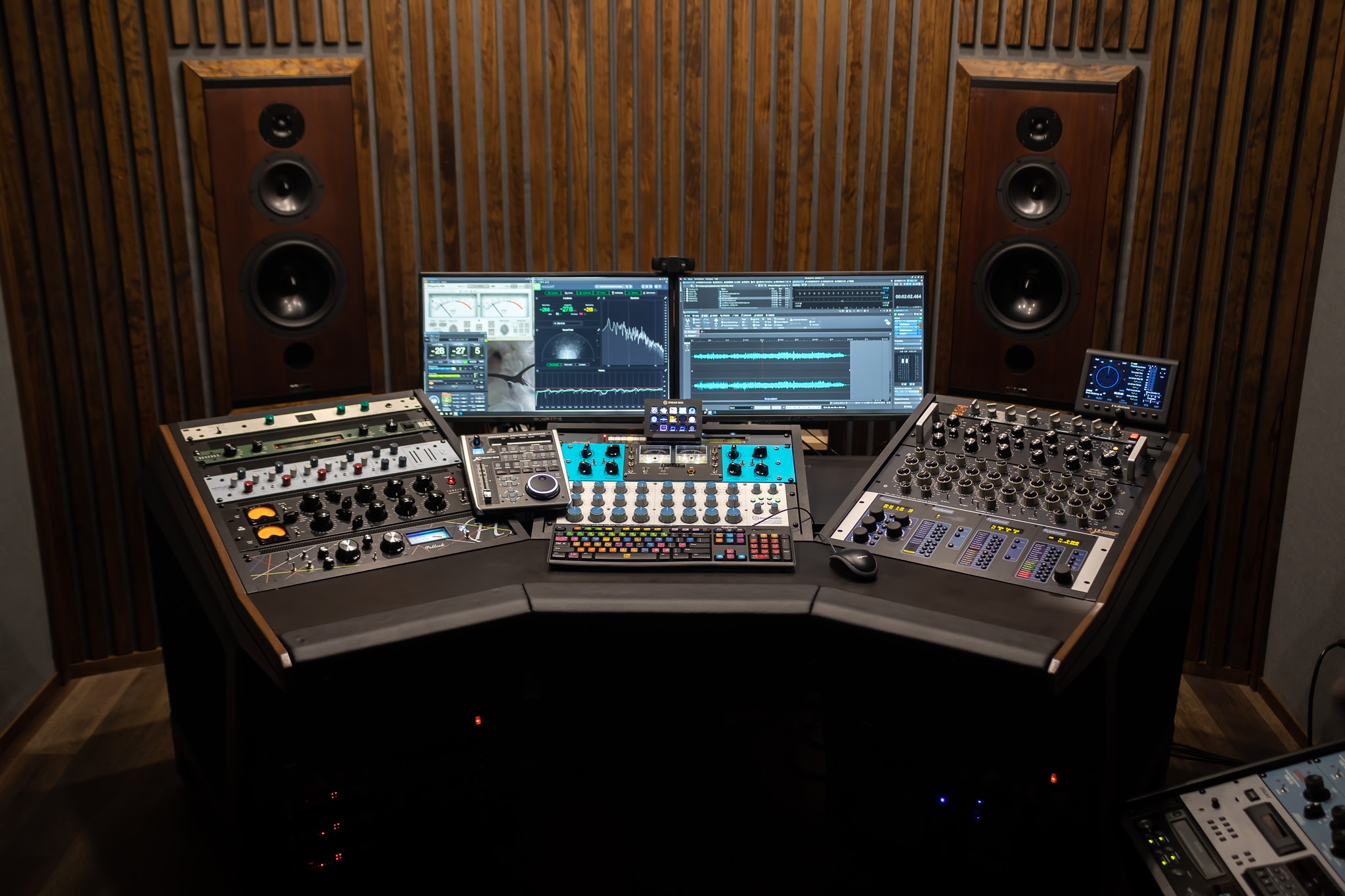
Next comes the mastering chain and final limiting approach. Analog processing can be a major advantage here because it lets you shape punch, depth, and tone before relying on digital peak control. But analog flavor does not override digital rules. The final file still has to be measured, checked for true peak behavior, and auditioned with streaming delivery in mind.
Then there is final QC: clean file starts and endings, correct fades, no ticks or clipped tails, proper sequencing, and consistent metadata preparation if the project is being delivered as a full release package.
Common mistakes that fail Apple Digital Masters standards
The most common problem is simple over-limiting. Artists get attached to a loud reference and try to force the final master to match it at all costs. That often creates distortion that becomes more obvious after encoding.
Another common mistake is exporting from a clipped 16-bit premaster and calling it high resolution. Apple Digital Masters is built around high-quality source delivery. If the source is already compromised, the badge does not fix the audio.
There is also the issue of upsampling. A 16-bit, 44.1 kHz file converted to 24-bit, 96 kHz is still fundamentally a 16-bit, 44.1 kHz source. Better labeling does not create better detail.
One more mistake is sending files with mix-bus processors that were only meant for rough playback. If the limiter, clipper, or stereo enhancer was part of a temporary reference chain, it should not be baked into the final unless it truly serves the master.
How to prep your mix for Apple Digital Masters mastering
If you are sending a project out for mastering, the best thing you can do is keep the mix clean and intentional. Export the stereo mix at 24-bit or 32-bit float, at the session’s native sample rate. Leave bus clipping off the table. If you have a limiter on the mix bus, bypass it unless it is an essential part of the sound and you have discussed that with your mastering engineer.
Give the master engineer room to work. That does not mean you need a fixed amount of headroom like exactly -6 dBFS. It means your mix should not be crushed, distorted, or pinned to the ceiling before mastering starts.
It also helps to communicate your actual release goal. If you need Apple Digital Masters delivery, say that up front. The mastering approach for vinyl pre-mastering, club-focused singles, and streaming release prep is not always identical. Good mastering is target-aware.
At LB-Mastering Studios, that is exactly how we approach it - evaluate the mix first, master for the actual release format, then proof and revise until the final file is ready to go.
Do you need a special master just for Apple Music?
Sometimes yes, sometimes no.
A well-made streaming master can often serve Apple Music, Spotify, and other digital platforms without needing separate versions. But some projects benefit from a dedicated Apple-safe pass if the original master is too aggressive or if the release team specifically wants Apple Digital Masters compliance checked at a higher level.
This is especially true if the current version was mastered years ago during the loudness-war era, or if it was created for CD first and streaming second. A remaster with better true peak control and cleaner codec translation can make a real difference.
The goal is not chasing a logo. The goal is making sure your release holds up when listeners hit play.
If you are unsure whether your current master meets Apple Digital Masters requirements, get it evaluated before release day. A short review now is cheaper than fixing an encoded problem after your music is already live. The best master is the one that sounds right before distribution ever gets a chance to break it.